
Email Master Templates: What’s Their Purpose and How to Work With Them
More than 390 billion emails are sent worldwide every day. For businesses, this can mean dozens or even hundreds of email campaigns that need to be created and sent regularly.
However, building every email from scratch is time-consuming and requires significant resources. On top of that, when several different people work on campaigns without clear guidelines, this poses a risk of losing consistency and uniformity.
A master template addresses these issues systematically: it serves as a shared foundation for creating emails faster while maintaining a consistent style. In this article, we take a look at what master templates are, what makes them useful, and which master template creation features are available in the Pixcraft email builder.
What Is a Master Template
A master template can be described as a full-fledged foundation for creating email campaigns. Unlike a regular email template, it serves not as a single message but as a library of prepared blocks that can be used to assemble emails for various scenarios.
What are the benefits of a master template?
- Faster email production. When a master template is used, the team only needs to select the appropriate structure, add content, and adapt the blocks to a specific campaign instead of creating every element from scratch.
- Consistent style and brand recognition. A master template establishes the design logic for the main email components. Visual rules for fonts, colors, headings, spacing, and element placement make campaigns more consistent.
- Lower risk of errors. Although a master template does not eliminate the need to test emails before sending them, it can reduce the likelihood of errors because the template elements have already been checked beforehand.
Which Components Does a Master Template Include
A typical master template contains several block variations divided into categories according to their purpose. Its composition depends on the company’s area of business, the types of emails it sends, and the frequency of its campaigns.
A master template may include the following elements:
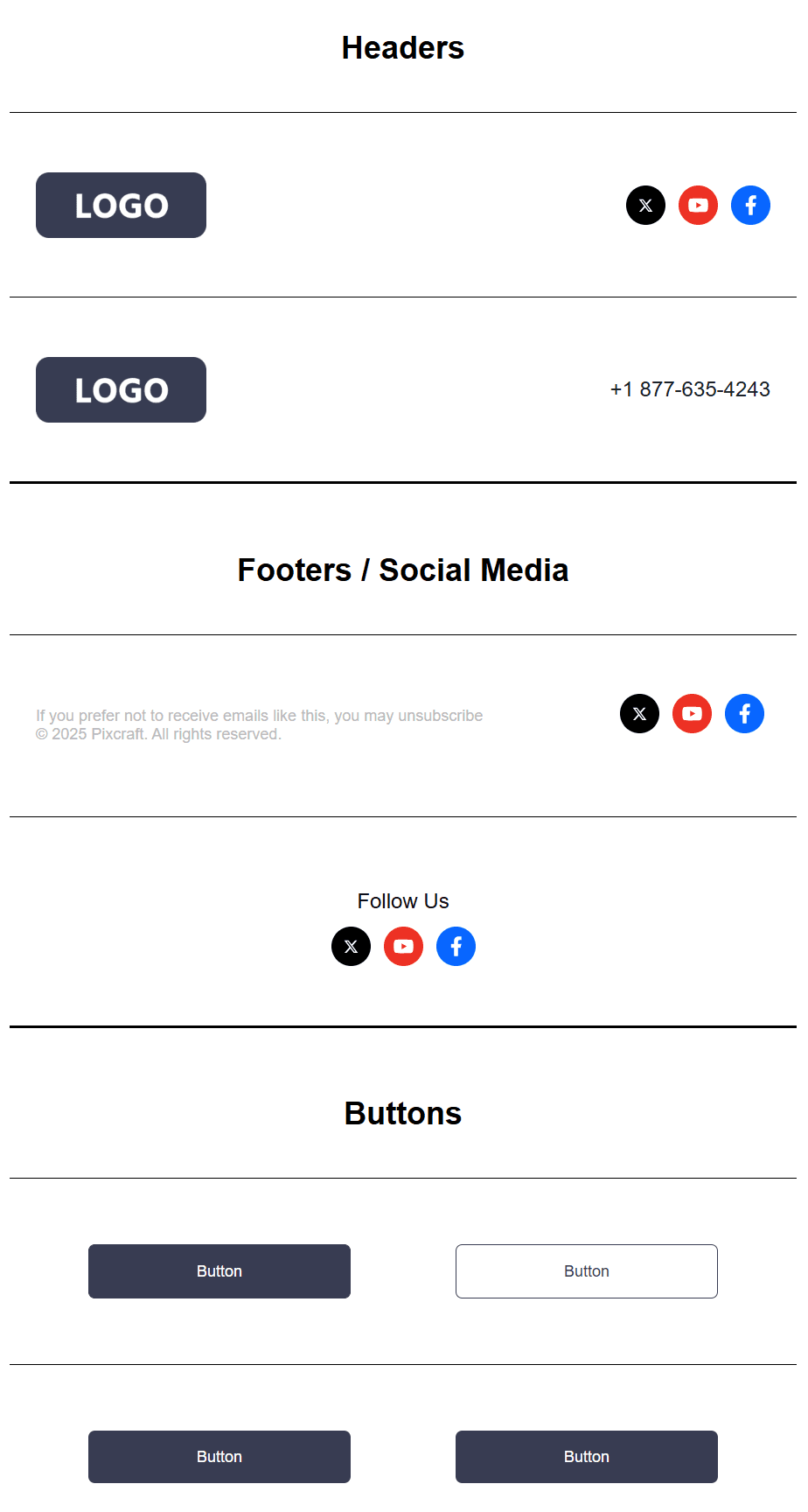
- System blocks. These include a preheader, header, footer, contact details, social media icons, and other basic elements of email campaigns.
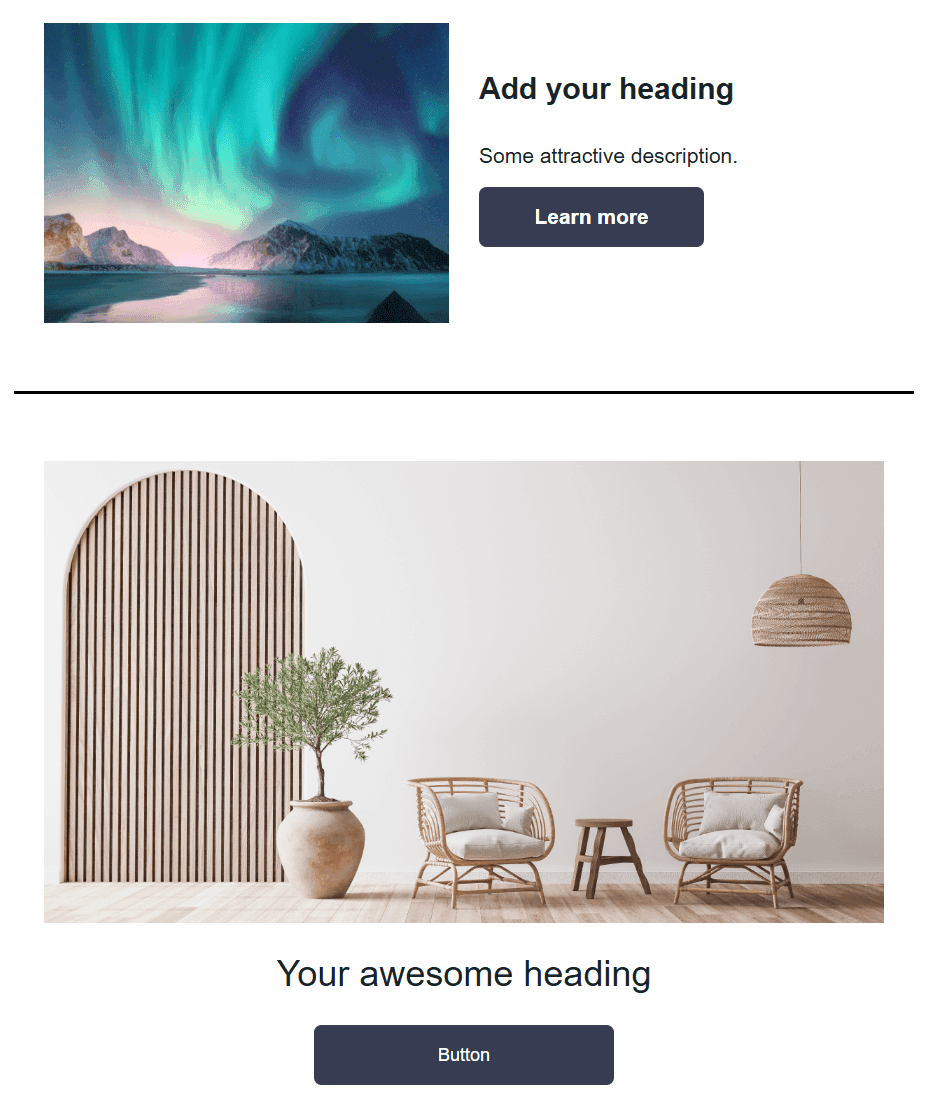
- Hero blocks. Large email elements that are the first to attract the reader’s attention. They usually contain a heading, a brief description, an image, a primary button, and sometimes additional links.
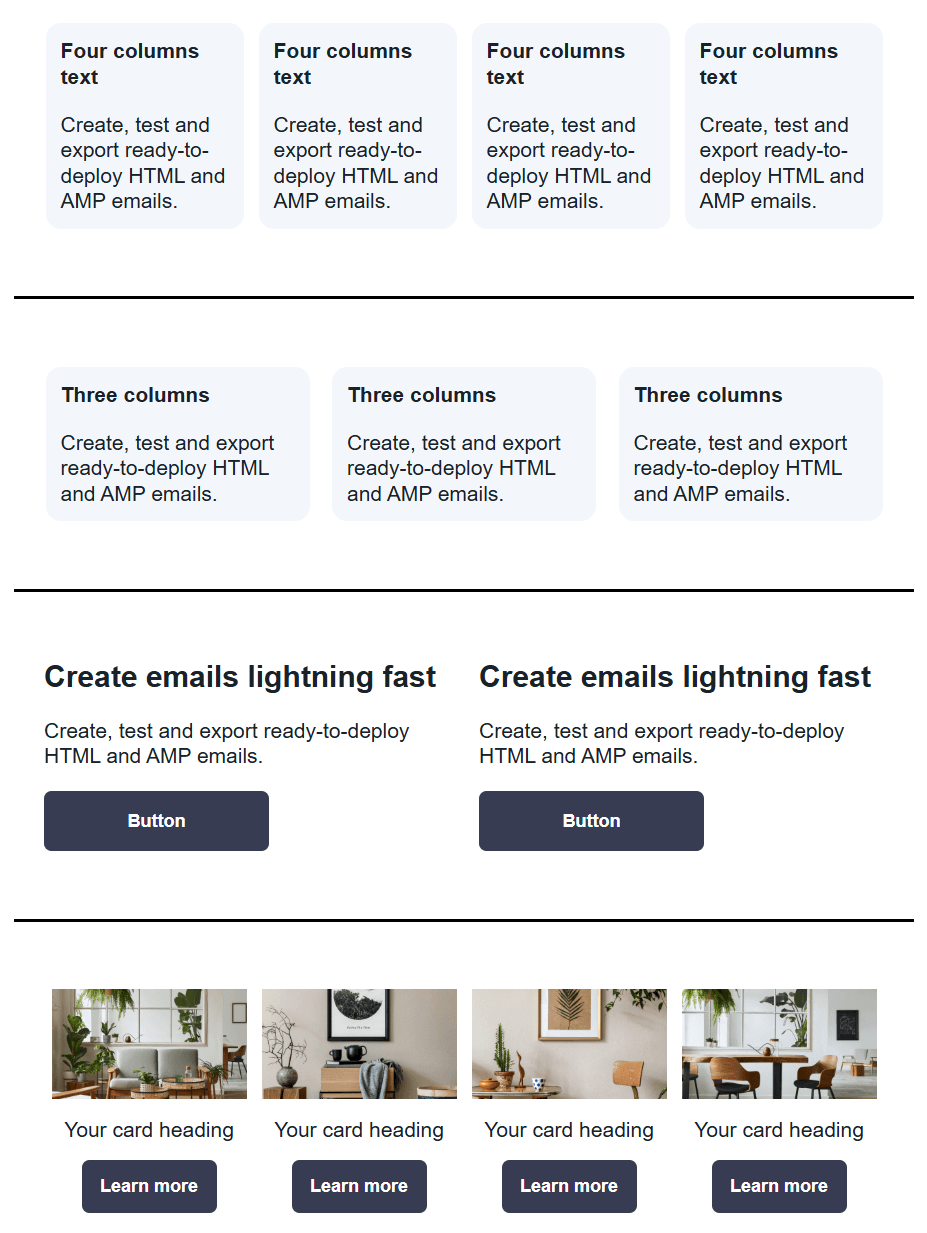
- Content blocks. These may include text sections, article cards, tips, quotations, lists, link collections, FAQs, or sections with additional materials.
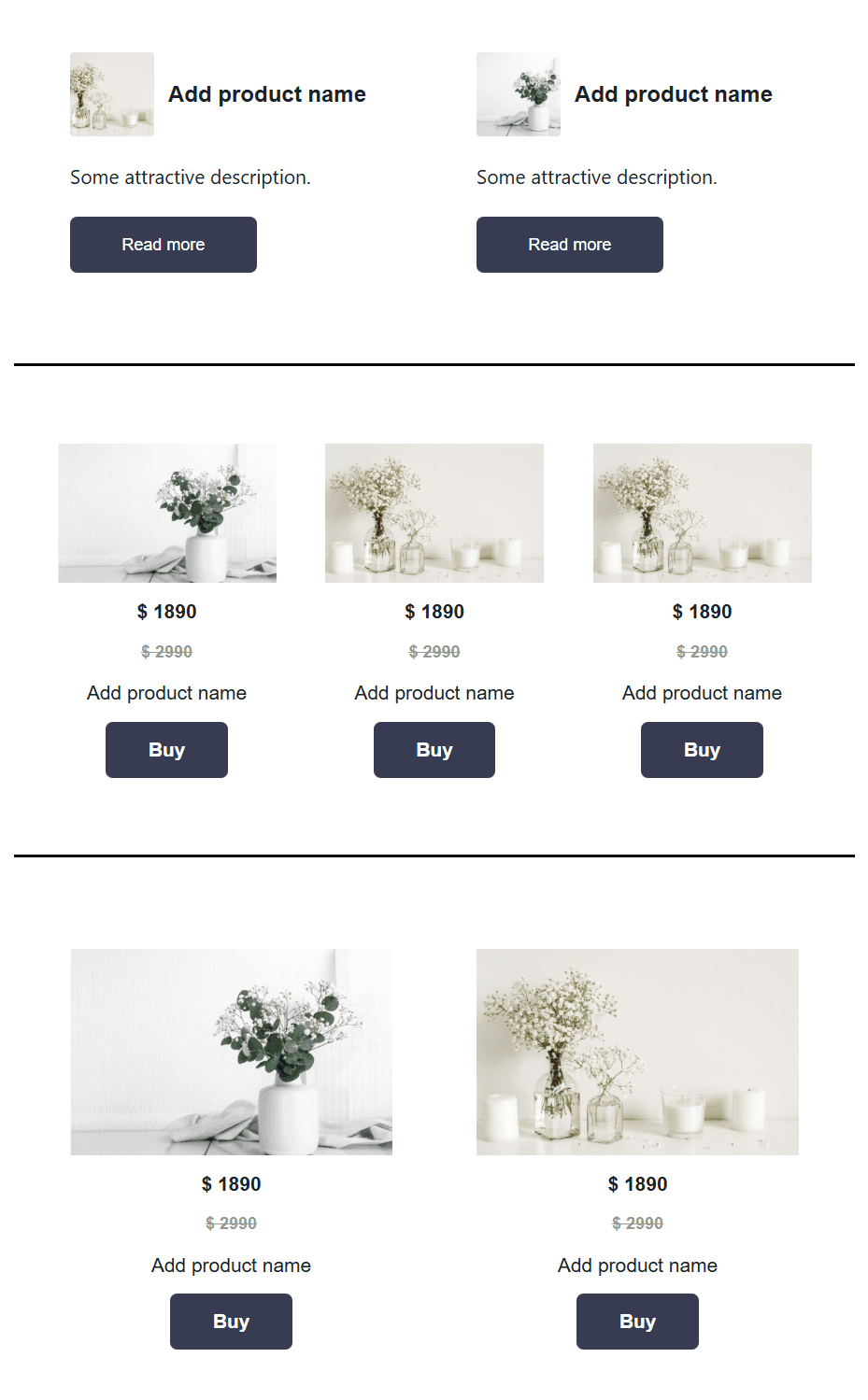
- E-commerce and promotional blocks. Online stores and services that regularly run promotions may require product cards, product grids, category blocks, coupons, promo codes, recommendation collections, abandoned cart sections, and blocks describing delivery terms.
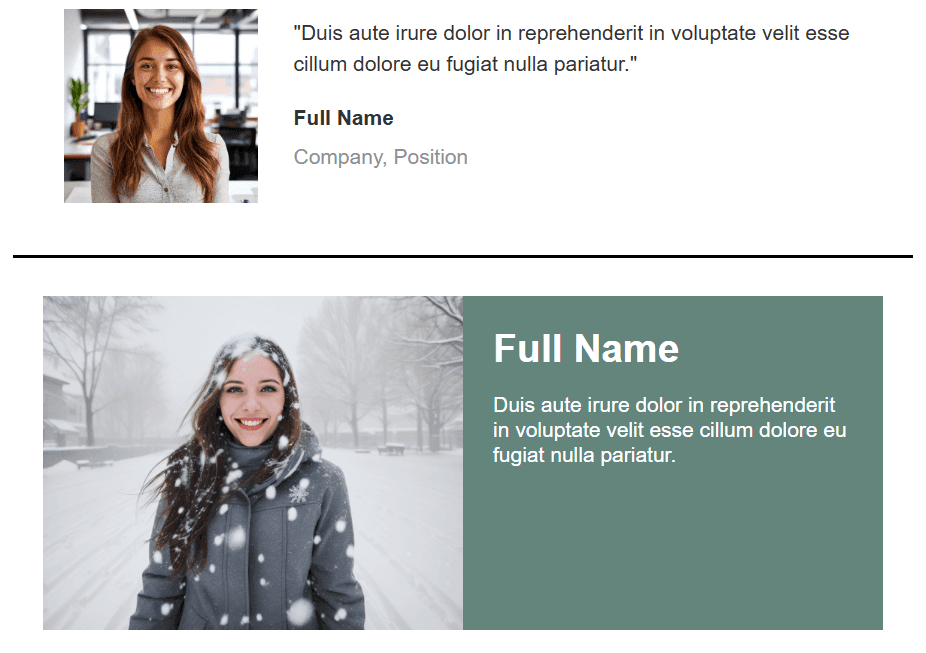
- Trust / social proof. Reviews, ratings, customer quotations, expert comments, case studies, certificates, “how it works” blocks, and answers to common objections strengthen an email when used appropriately.
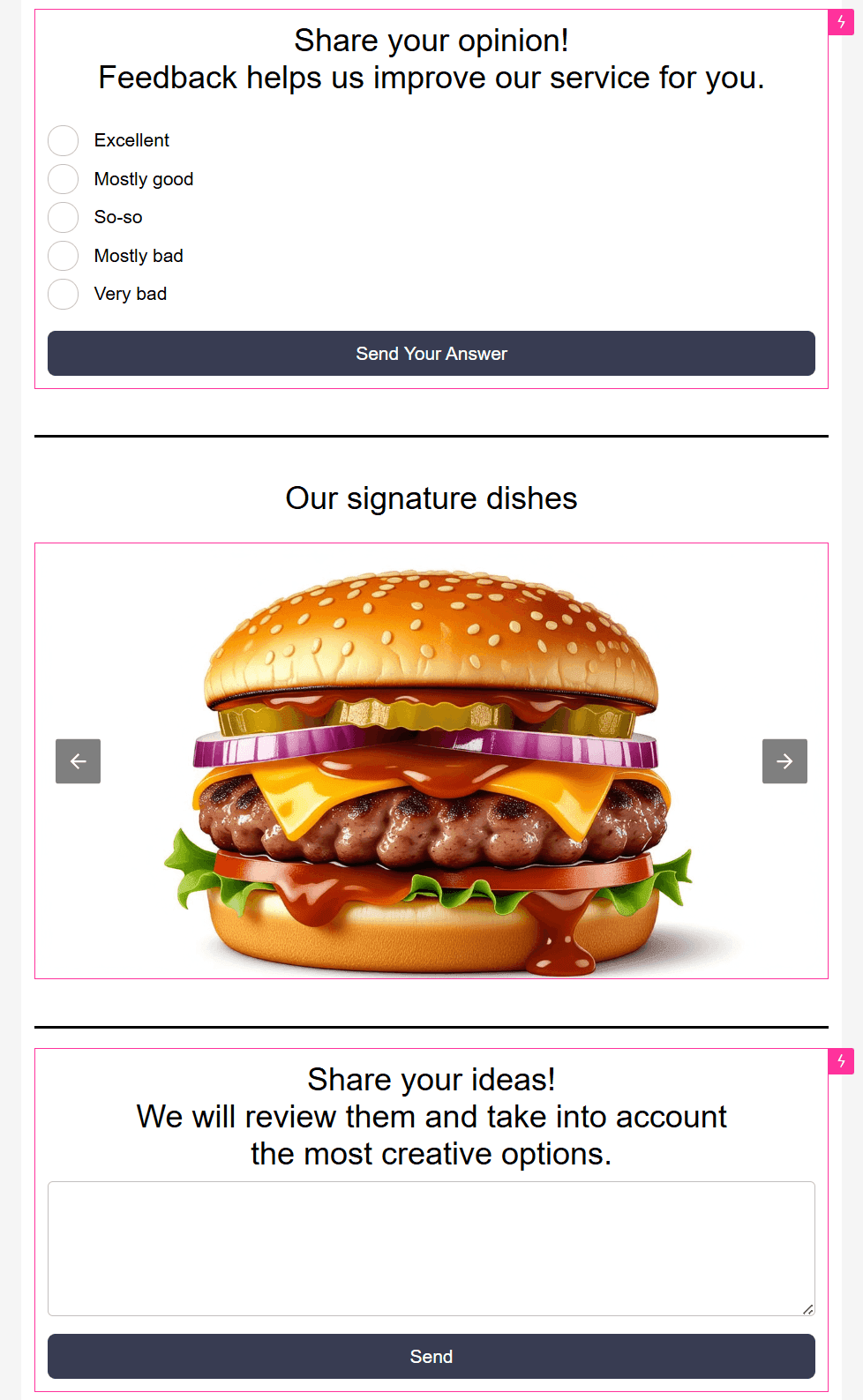
- Interactive AMP blocks. Image carousels, NPS surveys, dynamic product collections, or interactive feedback forms may also be included for certain scenarios.
- Bento blocks. A bento grid is a card-based composition in which content is arranged across rectangular or square cells of different sizes. A single section may combine a large block containing the main message, smaller benefit cards, a product image, a review, and a CTA.
Each block is usually designed in several versions: for example, with one or several columns, with or without images, in different color schemes (if that falls in line with the design system), and so on.
As for bento blocks, they should not replace every other block in a master template. Bento is just one of the options, suitable for content-rich emails that need to present several ideas while preserving order and visual hierarchy.
In web design, bento layouts are often based on flexible grids. However, email clients handle modern CSS properties differently. For this reason, bento in email templates should be treated primarily as a visual principle: cards, hierarchy, balanced spacing, a clear structure, and adaptation for mobile devices.
What to Consider When Creating a Master Template
Identify Email Types and Repeated Elements
Start by reviewing which emails the brand already sends and which ones it plans to launch in the future. For each email type, determine its purpose, basic structure, and sending frequency. Priority should first be given to the main elements, such as the header, footer, buttons, cards, promotional blocks, product grids, dividers, and so on.
Divide Blocks Into Categories
To prevent the master template from becoming disorganized, blocks should be arranged into groups (for example, system, hero, content, product, and transactional blocks). When a team uses internal names such as promo_card_v2, everyone involved in the process should agree on clear and understandable naming conventions.
Prepare Variations for Different Scenarios
As noted above, a single block does not always fit every task. Variations are therefore often required. To avoid confusion, start with a set that covers the needs of current campaigns and expand it when necessary.
Test Responsiveness and Dark Mode Display
Each block should be tested as part of an email: check how it behaves on mobile devices, what happens when a heading is long, whether the grid retains its structure, whether the text remains readable, and whether the logo is still visible in dark mode.
When bento is used, particular attention should be paid to the mobile version. On a narrow screen, cards will usually need to form a clear vertical sequence while preserving their meaning: for example, the main message first, followed by supporting arguments and the call to action.
Establish Usage Guidelines
Finally, describe the basic rules for working with the blocks: which limits apply (such as character number limits), which elements can be changed and how, which campaigns should use particular blocks, and so on. It’s not always necessary to create an extensive guide. In some cases, a short instruction covering the block types is sufficient.
How to Tie a Master Template With the Website Style
A good practice is to base the master template on the visual language the brand already uses on its website, in its mobile app, in advertising materials, and on social media. Shared stylistic elements, including image and button design, element structure, and typography, emphasize consistency across communication channels.
In this case, the website serves as a source of patterns whose design principles can be transferred to email components. For example:
- a large hero section on the home page can be adapted into the first content block;
- product cards can be converted into a product grid;
- feature cards can be adapted into a benefits block;
- a bento section can become a card-based composition for an announcement;
- the website footer can be converted into an email footer containing contact details, legal information, and an unsubscribe link.
However, this doesn’t mean that you need to make a literal copy of a website. Email clients do not process HTML and CSS in the same way as browsers. This needs to be considered when adapting elements to the email format.
How to Create Master Templates Using Pixcraft
The Pixcraft email builder offers features for both convenient email creation and working with master templates. In particular, master templates can be created in several ways.
Saving Custom Blocks
Pixcraft users can save their own blocks for use in future emails. To do this, select the required block and click the star icon. The block will then be added to “Saved blocks.”
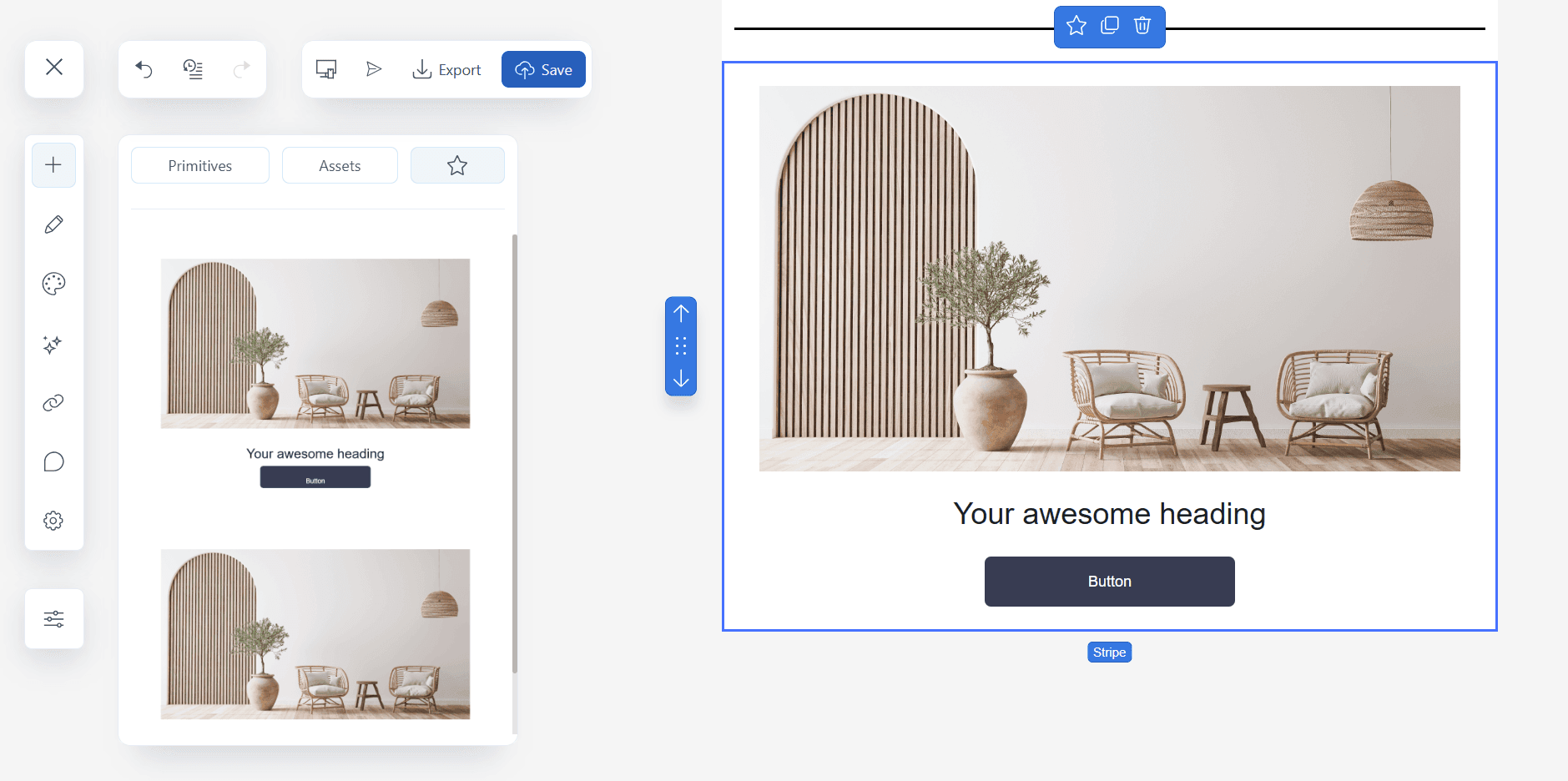
The saved block will be available in any other campaign created within the current project: simply select it, add it to the canvas, and edit the block as required. This is especially convenient for components that are used in numerous emails without significant changes.
Creating a Master Template in the Builder
A master template can be assembled in Pixcraft as a base email containing prepared block categories for future campaigns. When working on a new email template, you can:
- create a copy of the master template, keep only the required blocks, and delete the ones that are not needed for the current email;
- use the block-saving feature described above by saving only the currently required components and adding them to the new template.
Using Ready-Made Templates
Pixcraft features a template gallery that contains a variety of templates for different campaign types, occasions, and industries. Their components can serve as the foundation for your master template: select the required email elements and use their structure and design as the basis for your own blocks.
Creating a Master Template in Figma
If your team uses Figma to design email campaigns, give our dedicated plugin a try: it can turn an email layout into a complete master template. Save your own assets in the library and organize them into categories for quick and convenient access in the future.
To save time on creating a master template, order one from the Pixcraft specialists! Contact us, and we'll create a convenient, customized master template that fully meets your needs and wishes.
Which Mistakes Should Be Avoided When Working With a Master Template
- Master template gets overloaded. The more blocks it contains, the harder it becomes to navigate, especially when the elements are not grouped. Therefore, the best option is to start with a compact set that covers the main scenarios and add new blocks as needed.
- Emails are not tested after assembly. Even a well-designed master template does not guarantee that an email will display without errors. Replacing content may result in broken links, large image files, nonfunctional buttons, and other issues. This means that email testing remains an essential part of the process.
- The website design is copied without adaptation. As noted above, adapting a website style means preserving brand recognition rather than creating an exact copy of every section. Complex grids, hover effects, custom fonts, and multi-level cards may look good on a website but perform poorly in an email client.
- Master template is not updated. A brand’s style may change over time, including its colors, tone of communication, and approach to visual design. Without timely updates, the master template becomes outdated.
Conclusion
A proper master template addresses the team’s current needs. It does not contain unnecessary blocks simply for the sake of quantity, but instead includes everything required for regular campaigns. It reflects the brand’s style and creates a consistent foundation for a wide variety of emails.
Pixcraft serves as your assistant for working with both emails and master templates. Create them in accordance with your brand guidelines, save your own blocks, configure styles, and test how email elements appear on mobile screens and in dark mode.
To make an informed decision, sign up today and try Pixcraft for free for 14 days. And if you have any questions, simply contact our team.
Facebook is owned by Meta Platforms Inc., recognized as an extremist organization and banned in the Russian Federation.
Access to the social network X (formerly Twitter) is restricted in the Russian Federation.